
How Cursor Turned a Keyboard Shortcut Into the Most Talked-About Merch in AI
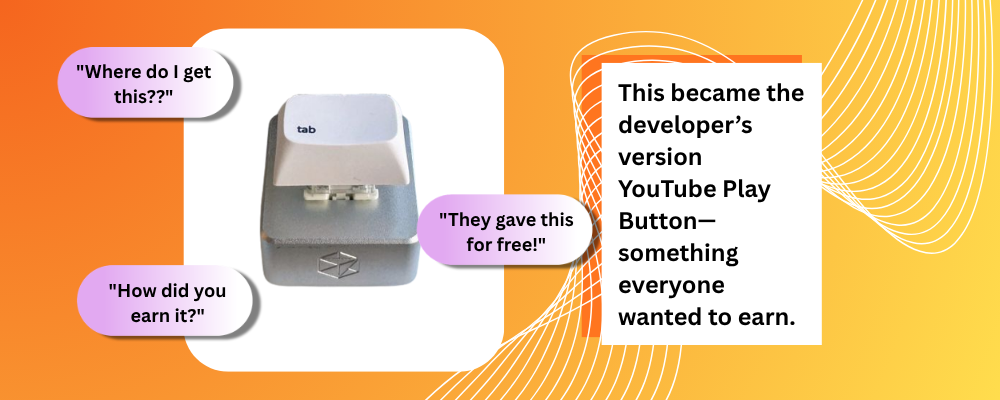
Somewhere in a developer's home office, there's a single keyboard key sitting on a desk. It didn't come from a store. There's no way to order one. The only way to get it was to use a code editor so often, so deeply, that the people who built it noticed — and mailed it to you without saying a word.
There was no campaigns, no event launches, and they didn't contact any influencers to collaborate with them. Just a small object that showed up in the mail and then quietly took over developers active in X and LinkedIn.
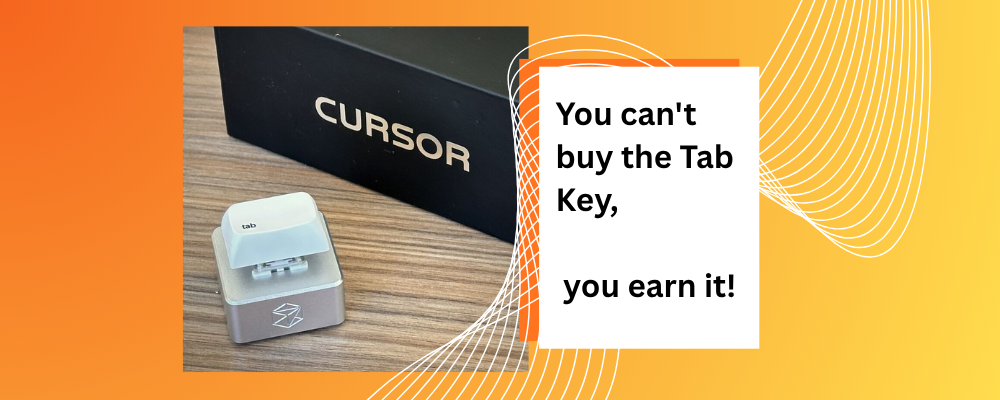
Cursor sent a useful merchandise to its developers as a gift they earned for it which is what made it viral. Source: LinkedIn
That's what, Cursor, a code editor that uses intelligence to help people who write software succeeded. It gives them ideas to make their work better. Cursor found that a small action can make a difference: pressing Tab to accept an AI code suggestion. Of just tracking this as a statistic or making a badge, the company made it into a physical object. They sent a Tab key to developers who used this feature the most.
Here's what Cursor got right, and what brand managers building for AI products can steal from it.
Table of Contents:
What was the Campaign about?
How does Cursor Tab work?
Why did it go viral?
The Lesson for Brand Managers Designing AI Merch
Here's Your Next Move
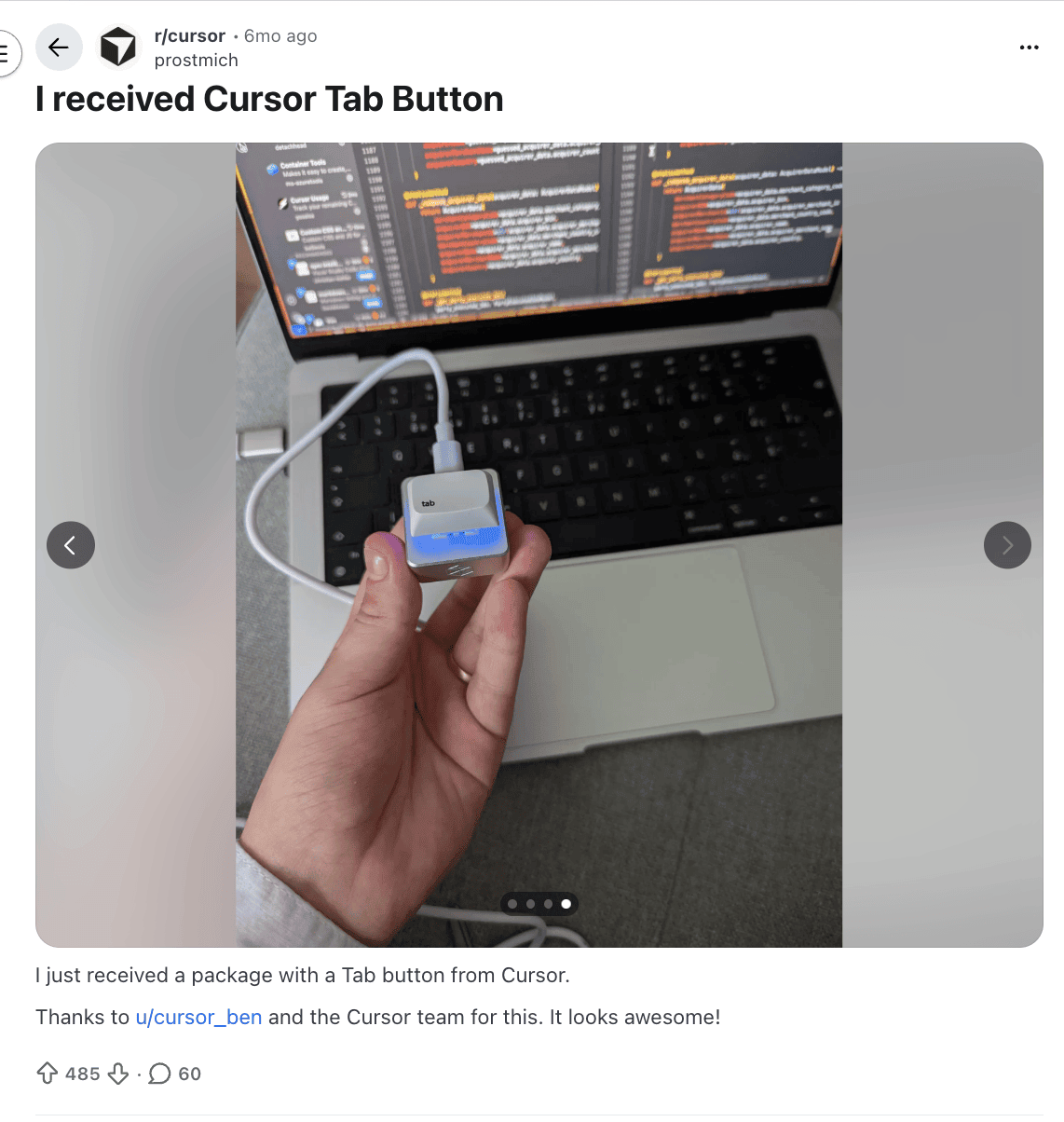
A developer on Reddit shared their surprise moment of receiving the tab key button from Cursor on the mail and wired it up to their computer to show how the Tab Key works while there is a code running in the background. Image Source: Reddit
What was the campaign?
Youtuber Cmd+AI talking about the campaign, Cursor dropping the Tab key to its developers online, and amazed at the effort taken by the AI editing platform.
For people who use the Cursor every day, pressing the Tab key becomes a habit. They see an idea, look at it for a second, and then press Tab to add it to their work.
After a while, the people who make Cursor noticed that some users were doing this all the time. They stop reading the automated suggestions carefully. Hence, they see them, go with what's being automated, and press Tab. Over and over for hours.
At some point, the people at Cursor noticed certain users doing this at an unusually high rate. These weren't people exploring the AI editor; they were people who had already decided- AI assistance became part of how they code.
They started sending some of these users a Tab key in the mail. A real mechanical one that could be mounted on their workspace. Wired to work as a programmable button, you could actually plug in outside of their keyboards. When the package showed up on the mail without any announcements. That was the surprise!
Seeing the developer’s hype and why it went viral, Youtuber gives a review on the surprise gift. Source: Youtube
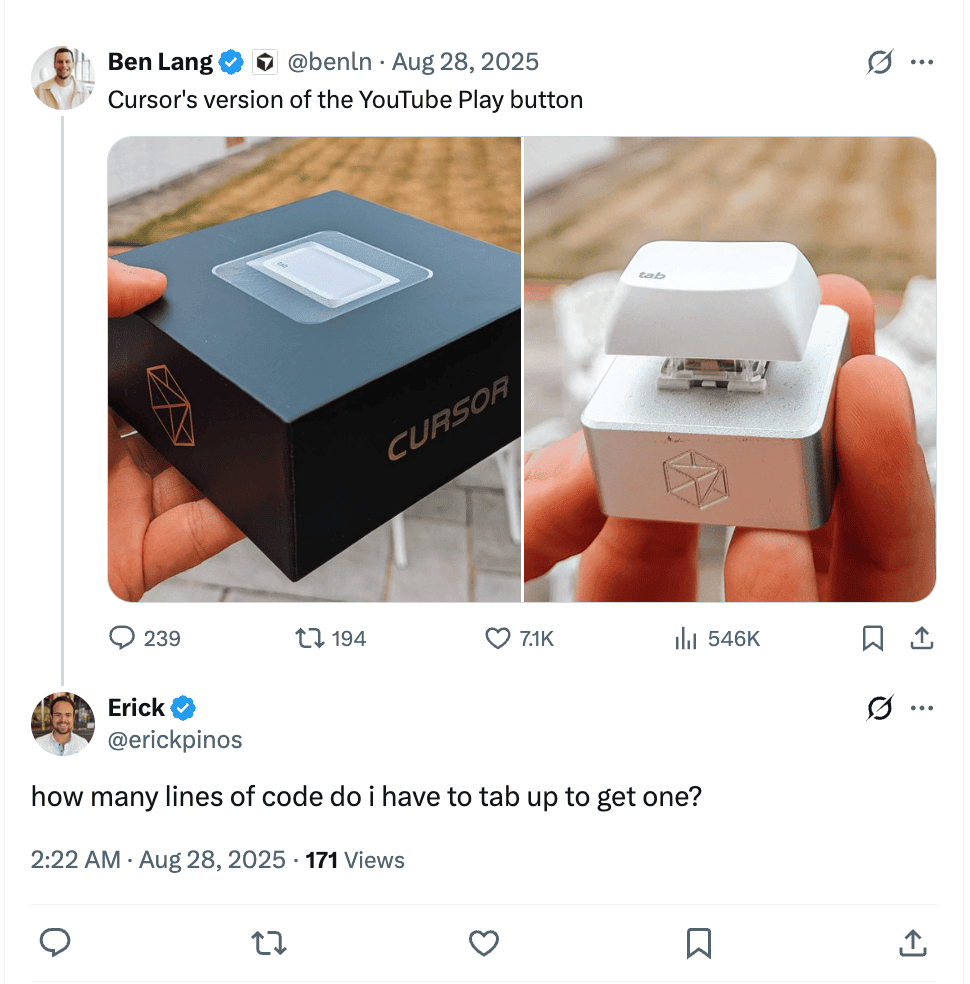
Tweets on X went viral as many developers began to hype the product as similar to Youtube Play button. Soure: X
How the Tab Key Works?
Developers unlike any other industry have a different relationship with their rooms than most people do. The software they use everyday isn't just a software- its closer to a working style. So changing your editing platform is a bigger deal than it may sound, because that editor is where you think.
But when Cursor sends the physical Tab key, they're not saying thank you for subscribing. They're showing "We know what you do here; we made something that fits it". This is a different message from what we're using to seeing from other brands.
It didn't look like any customized merchandise like a laptop sticker, it looked like an equipment. You can put it on your shelf, tell a story, or wire it up and assign a shortcut to it and run macros with it.
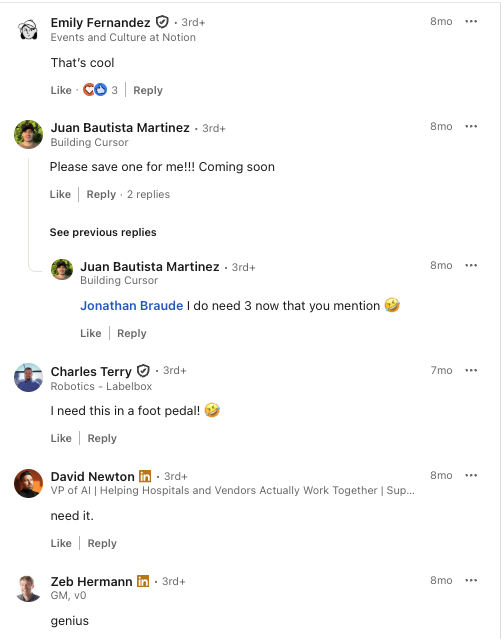
Developers all across different platforms were not only impressed but were wondering how to earn them too. Source: LinkedIn
Why Did it Go Viral?
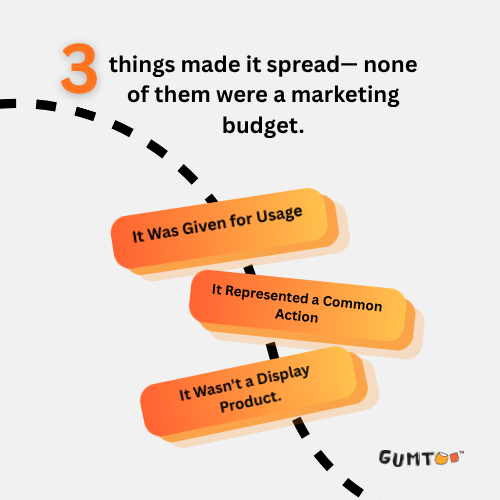
Three things helped the Tab key become well-known in developer communities.
It Was Given for Usage
The key wasn't handed out at conferences or events. It was given to people based on how they used the product. Developers quickly understood that it represented usage, not just attendance or sign-ups. They felt like they had earned it.
It Represented a Common Action
Pressing Tab is something developers do a lot when using Cursor. Turning that action into an object made the idea easy to understand. It felt like a reference to the product.
It Was Useful
Unlike merchandise, the object actually worked. People weren't just asking "how do you get one?", they were asking "what are you using it for?" That second question meant the object had other function than looking niche. This kept showing up in people's threads and posts because it was still in use.
The Lesson for Brand Managers Designing AI Merch
Designing merchandise for AI products is really tough. A lot of companies just put their logos on t-shirts, hoodies or mugs. Give them away at events. These items might look nice. People do not usually use them to show they like the product.
The problem is that AI products are not something you can see or touch. They are not, like things that you can hold in your hand.
Here's Your Next Move
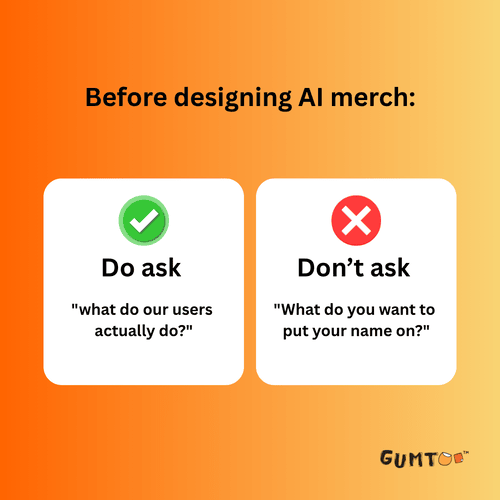
Look at your product and find the one action your users repeat without thinking. Not the feature you're proudest of — the small, quiet thing they do every single day without noticing.
Cursor found theirs. It was a keypress. Half a second. Repeated a thousand times a day by people who'd stopped thinking about it.
That's your starting point. Because when you get that right, the object you make around it won't feel like merch. It'll feel like proof that someone at your company was actually paying attention.
And that's the thing people put on their desks.
Other Blogs you may find interesting:-