
Custom Laptop Camera Lens Cover
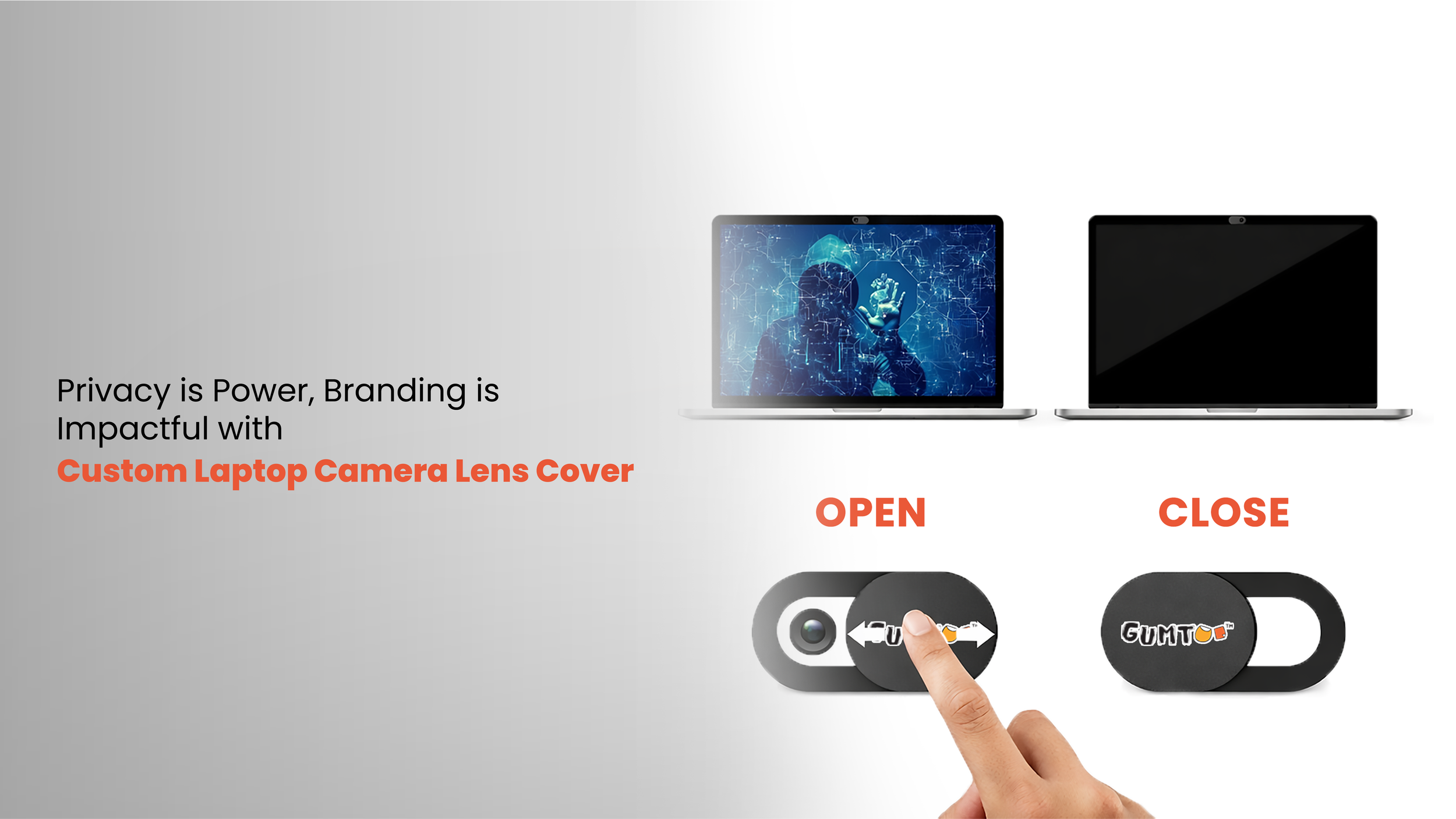
Strengthen everyday digital privacy with custom laptop camera lens cover!
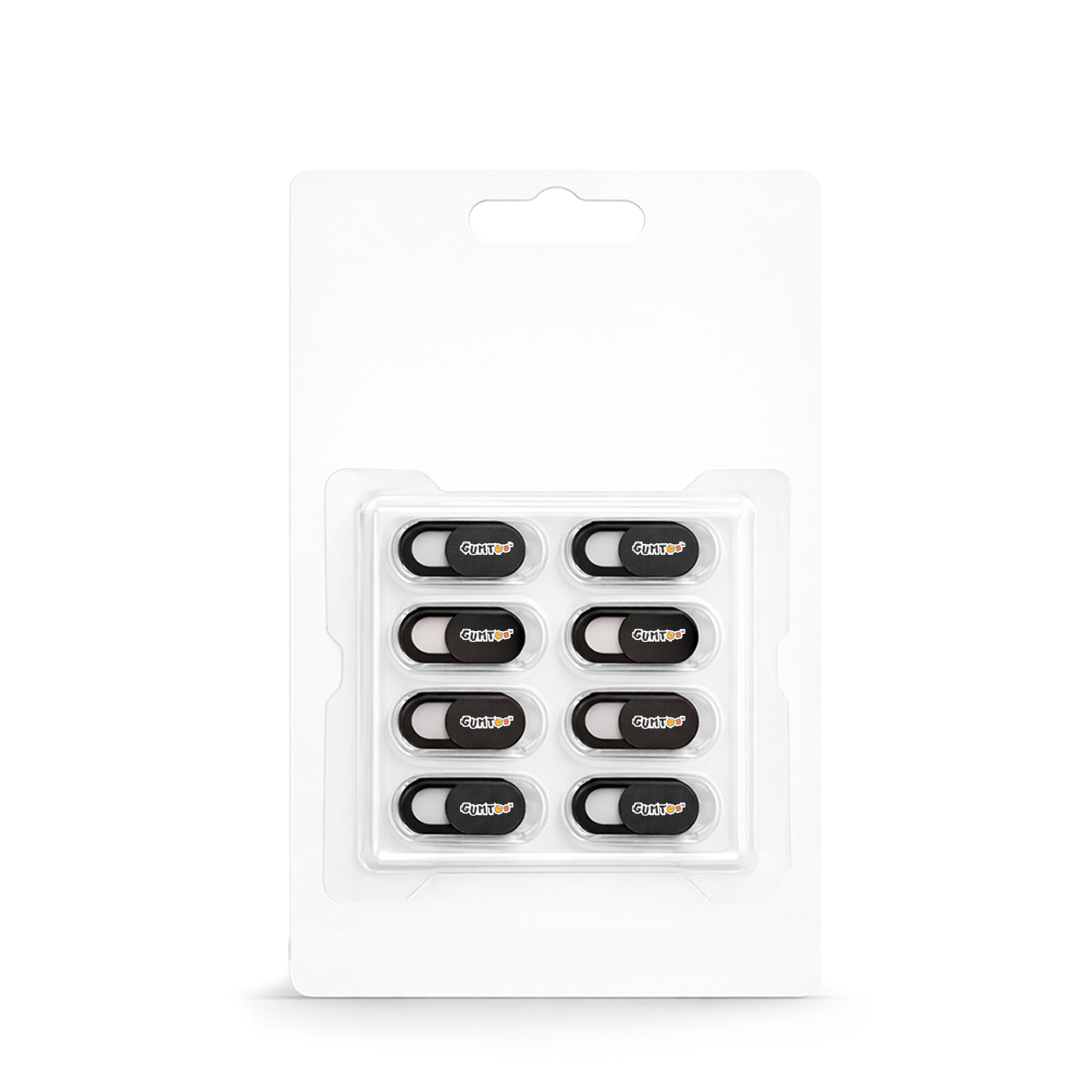
Designed for corporate security initiatives, employee onboarding kits, tech-focused brand promotions, university giveaways, cybersecurity awareness campaigns and more. These slim, slide-to-close webcam covers attach securely to laptops, tablets, and desktops, providing an instant physical barrier against unauthorised camera access without interfering with device closure or performance. Made up of ABS plastic with strong 3M adhesive backing is lightweight, durable and easy to install. They offer practical value in remote work environments and corporate giveaway programs. Available with custom logo printing, laptop camera lens covers deliver high-visibility branding while reinforcing your company’s commitment to privacy, cybersecurity awareness and modern workplace essentials.
Select Printing Technique
Pick the right printing technique as per your branding needs
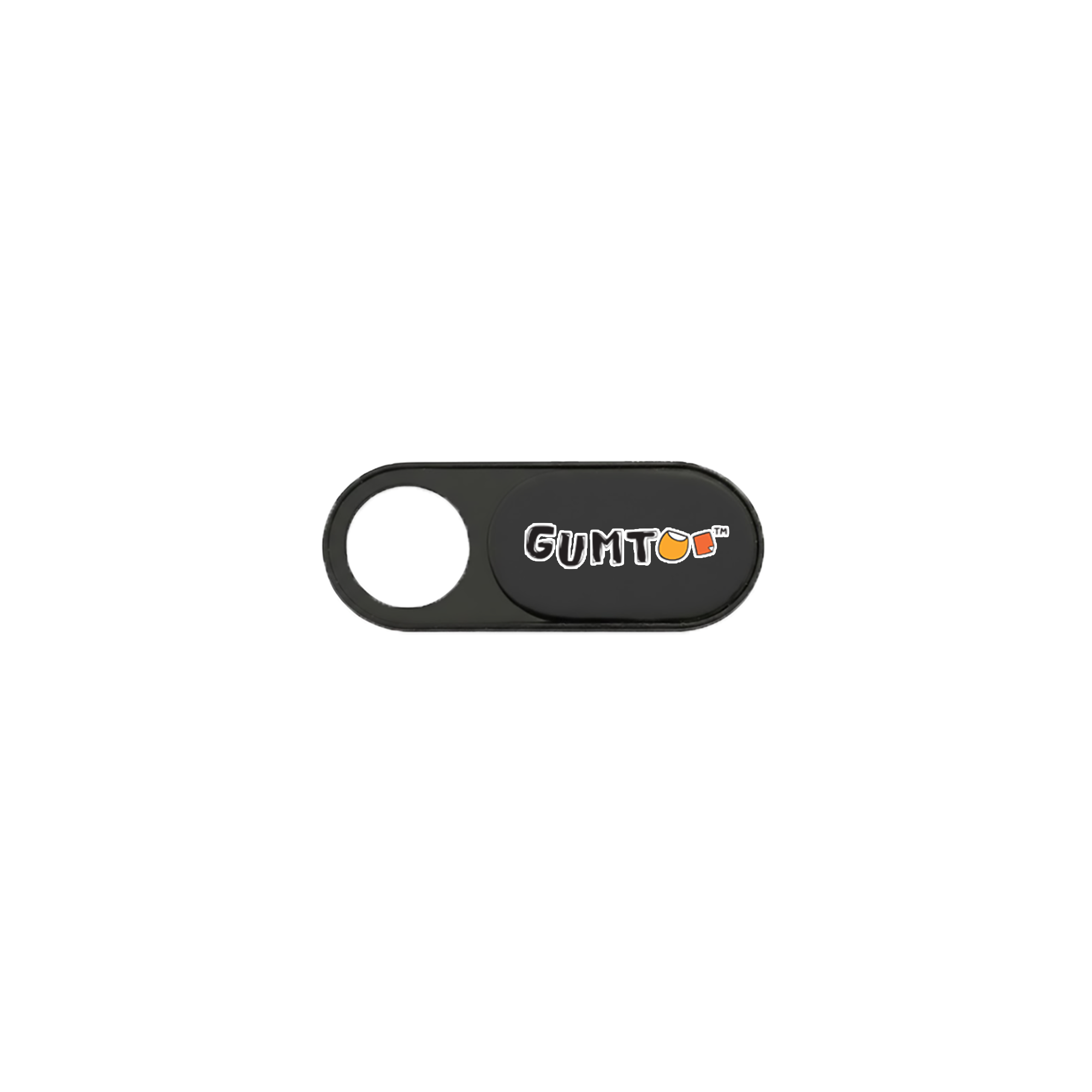
Multi-Colour Printing
Multi-colour logos can leverage a wider palette to create eye-catching artwork and designs.
Ideal for printing complicated logos and designs.
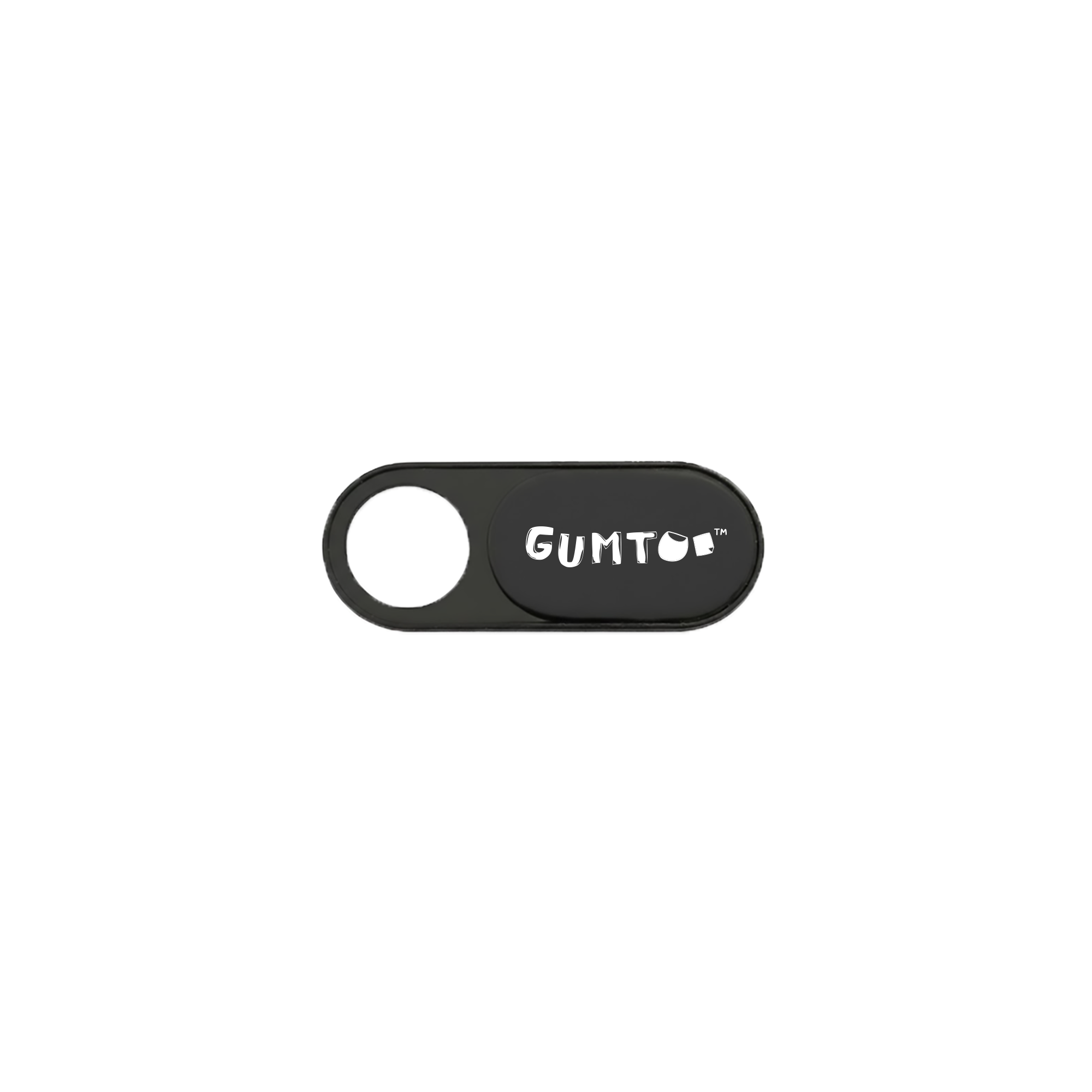
Single-Colour Printing
Single colour printing offers minimal branding which is cost-effective and suitable for bulk orders and giveaways.
Ideal for printing simple logos and designs.
Select Packaging
Pick the right packaging that best suits your branding needs
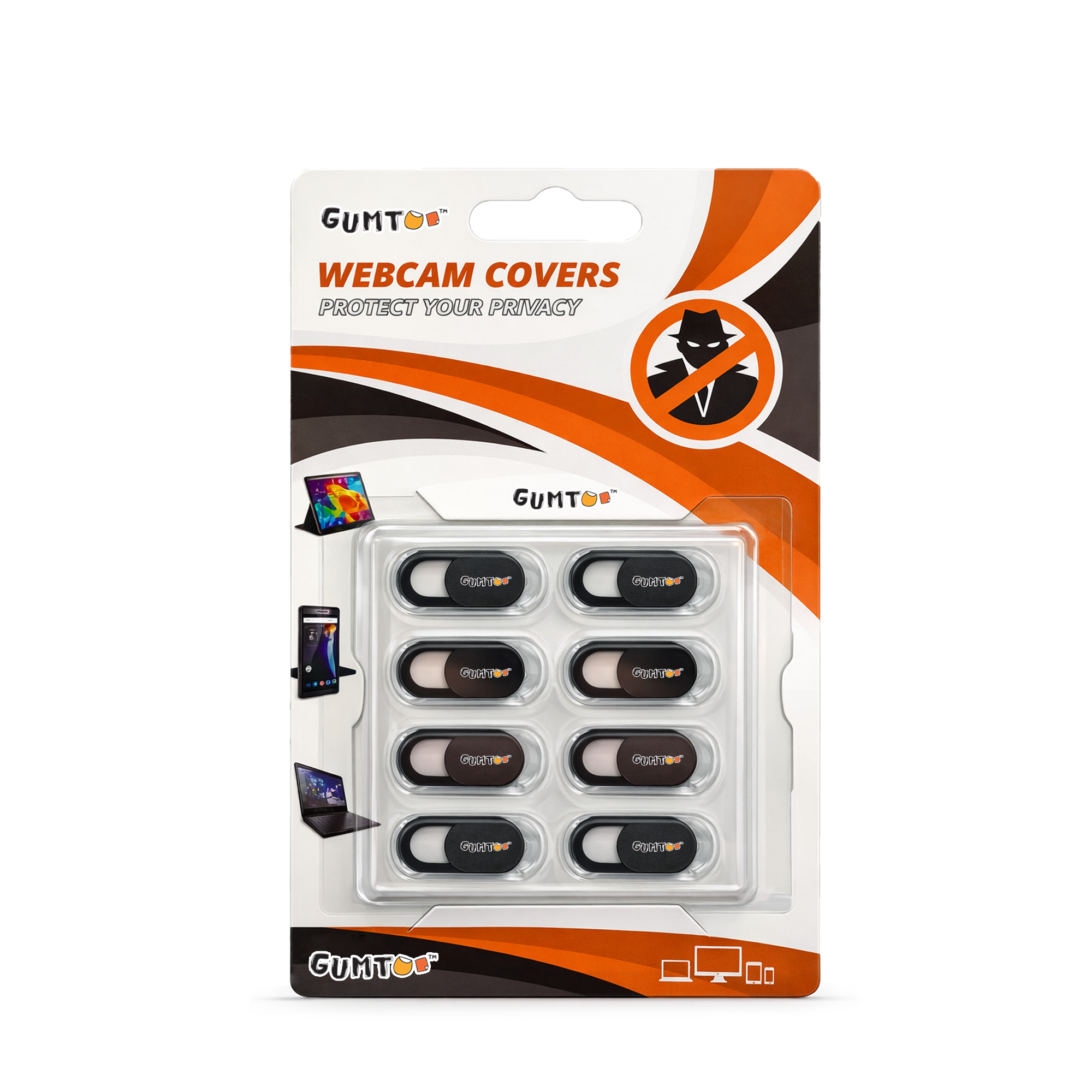
Custom Box Packaging
Custom printed box for maximum area for showcasing logos, artwork, or designs. 4-8 pieces per box.
Helps in brand recall and visibility which gives a premium and professional look.
Plain Box Packaging
Minimal packaging solution. 4-8 pieces per box for protection with no branding.
Simple and practical for bulk packaging.
Get A Quote - Custom Laptop Camera Lens Cover
FAQs - Custom Laptop Camera Lens Cover
General Questions
1. What is your minimum order quantity?
Our minimum order quantity is 500 pcs of identical design.
2. Can I split my order of 500 pcs into 2 designs?
We cannot split the 2 designs or mix both type to produce 500 pcs in total. We will manufacture 500 pcs of each design of each type.
Shipping and Orders
1. What is your turnaround time?
After you confirm your design proofs, our turnaround time is 3-3.5 weeks.
2. What is your payment method?
We accept payment via PayNow, debit card, credit card, PayPal, direct bank transfer from any local bank in Singapore. After you confirm the order, let us know your favoured method of payment, and we will send you the transfer details.
3. Are your registered vendor in Gebiz?
Yes, we are registered in GEBIZ and can issue an e-invoice from the GEBIZ portal.
Design
1. What are the accepted file formats?
We accept the following file formats .AI, .PSD, .TIF, .JPG, .EPS (with a minimum of 300 dpi)
2. I need help with my design. Can you help?
Our in-house designers can help you design your custom laptop camera lens cover. When requesting for a quote please tell us your design requirements in the message box.
About the Product
1. What is a custom laptop camera lens cover?
A custom laptop camera lens cover is a sliding webcam privacy cover designed to block laptop, tablet, or phone cameras when not in use. It helps prevent unauthorized camera access while offering custom logo branding for promotional use.
2. Where can I print my logo?
You can your print my logo on the sliding cover surface.
3. What material is commonly used?
These are made up of ABS plastic. The adhesive backing is usually high-quality 3M adhesive.
4. What are the key features?
Ultra-slim design (laptop-friendly)
Smooth sliding open/close mechanism
Strong adhesive backing
Lightweight and durable
Easy peel & stick installation
Allows laptop to close completely
Ideal for branding and promotions
5. What colour options are commonly available?
Standard stock colours are black (most popular) and white.
6. Does the adhesive damage laptops?
No, the 3M adhesive is designed to be strong, non-permanent and low-residue when removed carefully.
7. How do you install the camera lens cover?
Clean the camera area.
Peel off the adhesive backing.
Align carefully over the webcam.
Press firmly for a few seconds.
Slide open or close as needed.